Add an expense.
Scan a receipt or enter an expense. Review the details before you split.
SHARED EXPENSES / NOW IN BETA
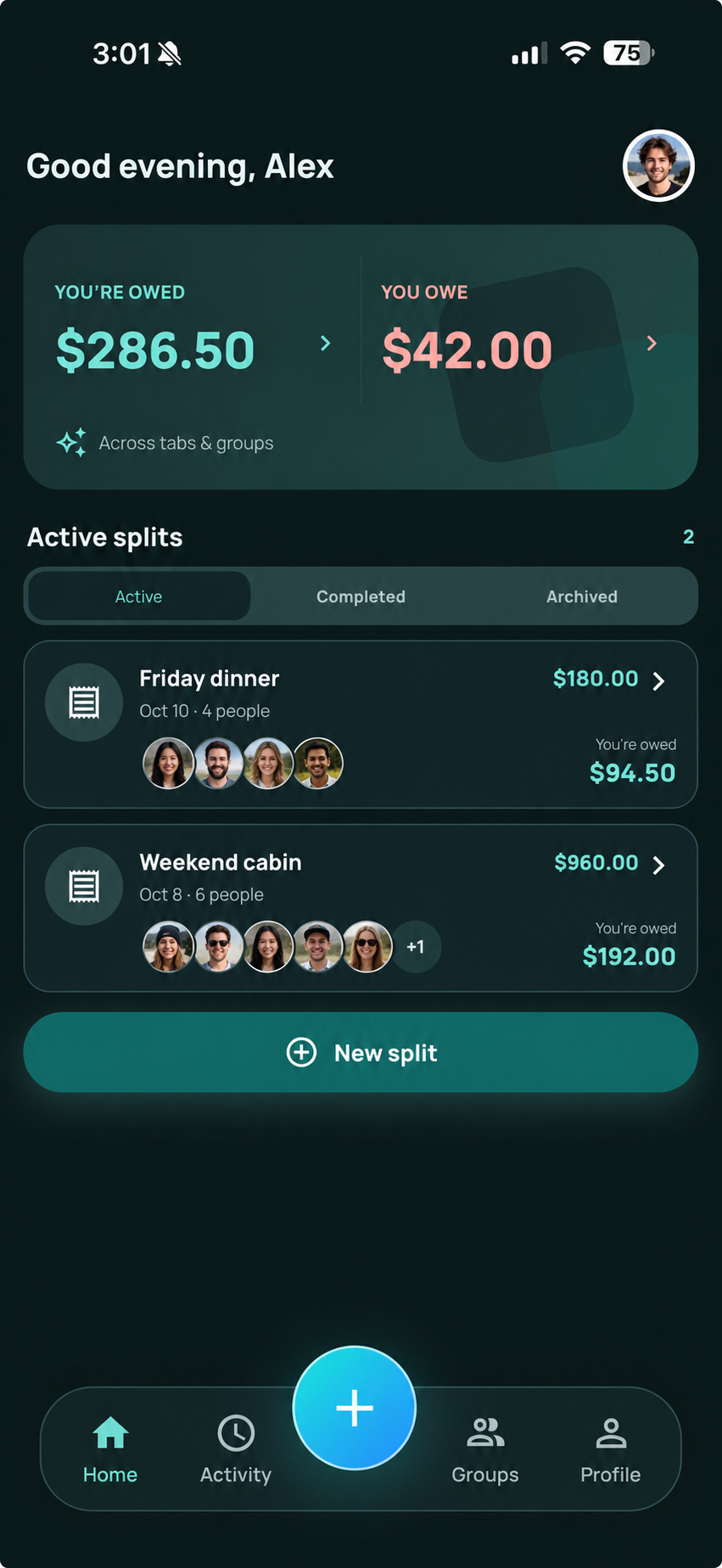
Split a dinner receipt or keep a running tab for your group. See what you owe and what you are owed in one place.
Quick tabs. Itemized receipts. Ongoing groups.
HOW IT WORKS
Add an expense, decide how to split it, and keep track of what is left to settle.
Scan a receipt or enter an expense. Review the details before you split.
Pick your items, divide evenly, or enter custom amounts. Your plans, your way to split.
Invite your group and see who owes what. Record payments made elsewhere to keep balances up to date.
TRY AN ITEMIZED RECEIPT
Choose a few items from this example receipt. The total includes a proportional share of tax and service charge.
Example only. No account or payment required.
Choose your items. We’ll add up your share.
GROUPS & RECEIPTS
Use a quick tab for a one-off expense. Keep a group for the costs that add up.
Keep stays, meals, rides, and the little extras in one group. Everyone can see the expenses and their balance.
From groceries to household essentials, keep shared costs out of scattered notes and in the same place.
Turn a receipt into an itemized split. Review the scan, choose your items, and keep the extras visible.
Weekend away
BROWSER ACCESS
Friends can join an invited group in their browser, verify their phone number, and see expenses without installing Tabz.
Tabz is an app for organizing shared expenses. Create a quick split, scan a receipt and pick items, or keep an ongoing group for a trip or everyday costs. It helps everyone understand their share and keep track of settling up.
Tabz is available to beta testers through TestFlight on iPhone. Email support@tabzapp.com to ask about joining. It is not yet publicly released on the App Store.
No. Invited group members can use a browser. Group access uses phone verification, and returning members may need to verify again if their browser session has expired.
Yes. Receipt splits let people choose items. Group expenses can be divided equally among selected members or use custom amounts. You can review a scanned receipt before creating the split.
In-app payments, wallet payments, and payouts are disabled in the current beta. You can record payments made outside Tabz; doing so updates the expense record and does not transfer money.
Receipt splits show item costs and allocated extras so you can review your total. Check the scanned amounts, especially when a restaurant has already included a service charge. The example above uses 8% tax and a 20% service charge for illustration.
TABZ BETA
We are testing with our first users.
Questions, feedback, or interested in joining?